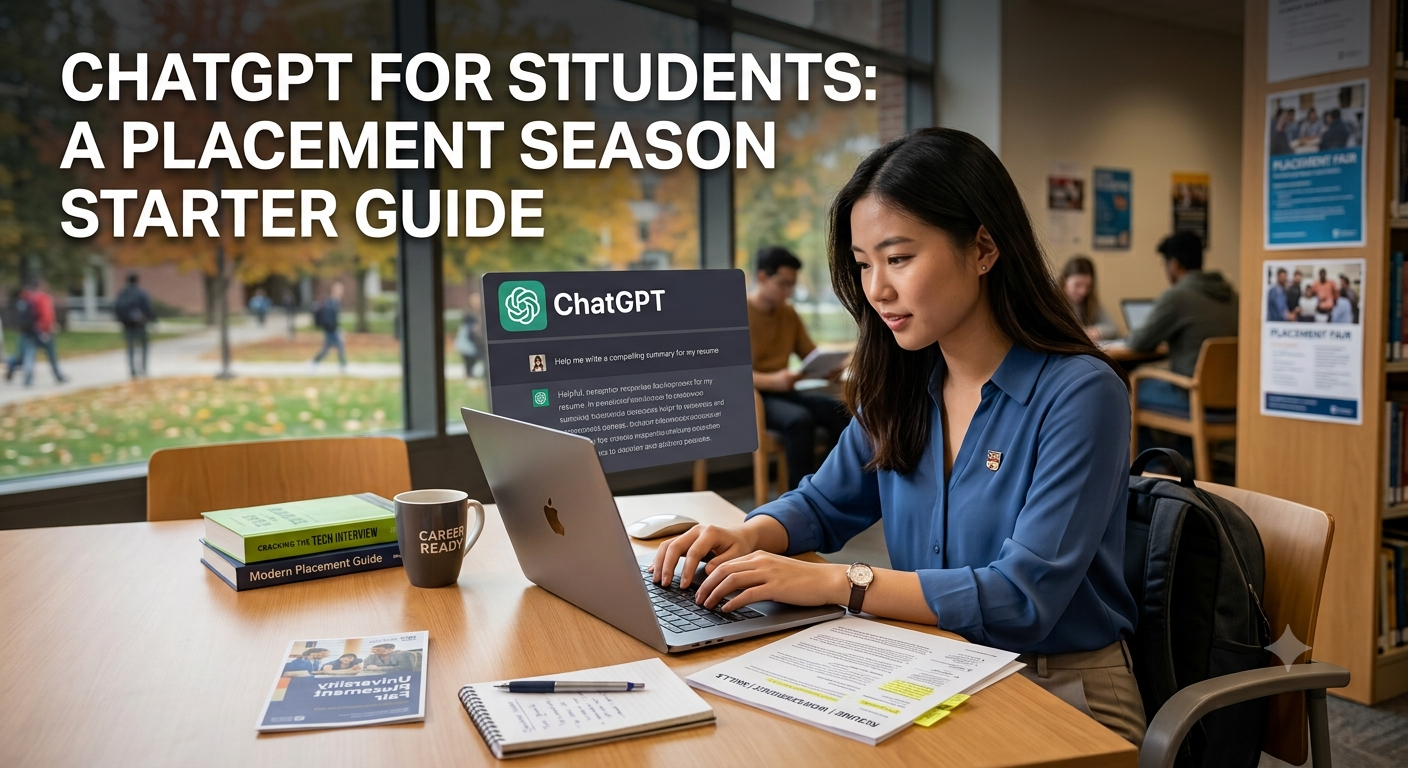
ChatGPT for Students: A Placement Season Starter Guide
Placement season is a strange kind of pressure. Applications, aptitude tests, coding rounds, group discussions, and interviews all land at once, usually while you're still finishing assignments. Used well, ChatGPT can take a real chunk of that load off your plate. Not by doing the work for you, but by helping you prepare faster and smarter.
This guide is a practical, copy-and-use starter kit. No theory dumps, just the specific ways students can use ChatGPT during placements, with prompts you can paste in and adapt today. And one honest rule throughout: ChatGPT is a study partner, not a shortcut. The students who benefit most are the ones who use it to prepare, then do the thinking themselves.
Why This Matters for Placements
Most students preparing for placements hit the same wall: too much to prepare, too little time, and no one to give quick feedback. You can only ask a senior or a friend so many times to review your resume or explain a concept.
That is exactly the gap ChatGPT fills. It is available at 2 AM, it never gets tired of your questions, and it can switch from resume reviewer to aptitude tutor to mock interviewer in seconds. It will not replace real practice or real understanding, but it removes the friction that usually makes students procrastinate.
What ChatGPT Is Good At (and Where to Be Careful)
Before the use cases, a quick honest map so you trust it in the right places:
Great for:
- Improving your resume and cover letters
- Explaining concepts in simple language
- Generating practice questions and quizzes
- Reviewing your code and explaining errors
- Structuring answers and mock interviews
Be careful with:
- Facts about companies (it can be out of date or wrong)
- Live data: salaries, cutoffs, current news
- Writing things you will submit word for word
- Anything you do not then understand yourself
- Sensitive personal details, so do not paste them
The rule that keeps you safe: use ChatGPT to draft, practise, and understand, then verify anything factual and put things in your own words. Recruiters can spot pasted AI text instantly, and a made-up fact in an interview is worse than saying "I'm not sure."
One Prompt Habit to Learn First
Vague prompts give vague help. Before the use cases, learn one habit: give ChatGPT five things in every prompt — a role, a task, context, a format, and a tone. Compare these two:
Weak: "Help me with my resume."
Strong: "Act as a campus placement mentor. Here's my resume text: [paste]. I'm applying for a data analyst fresher role. Point out weak bullet points, rewrite them with strong action verbs and measurable impact, and flag anything recruiters expect that's missing."
Every prompt in this guide uses that pattern. Copy them, then swap in your own details.
7 Ways to Use ChatGPT During Placements
1. Sharpen Your Resume
Your resume gets about six seconds of a recruiter's attention. ChatGPT is excellent at turning flat descriptions into sharp, specific bullet points that focus on results.
"Act as a placement mentor. Here's a bullet from my resume: 'Worked on a college project using Python.' Rewrite it in 3 stronger versions that show impact and skills, the way a recruiter for a fresher developer role would want to see it."
Then do the important part yourself: pick the version that is actually true to what you did, and edit it into your own words. Never let it invent achievements you cannot back up in an interview.
[Screenshot: a before-and-after of one resume bullet, the flat original next to the improved version.]
2. Write Cover Letters and Cold Emails Faster
Cover letters and cold emails to recruiters are formulaic enough that a good first draft saves you real time, as long as you personalise it.
"Write a cover letter of about 150 words for a [role] internship at [company]. I'm a final year [branch] student. My relevant skills are [x, y, z] and one project I'm proud of is [project]. Keep the tone confident but genuine, and avoid clichés like 'I am passionate about.'"
Read every line before you send it. If a sentence does not sound like you, rewrite it. Recruiters read hundreds of these and can feel a generic template immediately.
3. Research a Company Before You Apply or Interview
Walking into an interview knowing what the company actually does is a simple edge a lot of students skip. ChatGPT gives you a fast briefing, but this is one to verify.
"I have an interview with [company] for a [role]. In simple points, give me: what they do, their main products, the kind of work a fresher in this role would do, and 5 things worth knowing before the interview. Flag anything you're unsure about so I can double check."
Because company facts and recent news are exactly where AI goes out of date, confirm the important points on the company's own website or a recent search. A tool like Perplexity is better here because it gives you clickable sources.
4. Practice Aptitude and Reasoning
Aptitude rounds reward practice, and ChatGPT is a patient, unlimited question bank.
"Act as an aptitude tutor. Give me 5 quantitative aptitude questions on time and work at placement difficulty, one at a time. Wait for my answer each time, then explain the full solution step by step before moving to the next."
Doing them one at a time, with explanations, is far better than reading a list of answers. You learn the method, not just the result.
[Screenshot: a practice question with ChatGPT's step-by-step solution, proof of your prep.]
5. Prepare for Coding and Technical Rounds
For coding rounds, ChatGPT is best as a tutor and reviewer, not an answer machine. The goal is to understand, because interviewers will ask you to explain your thinking.
Prompt for learning
"Explain [data structure or concept] like I'm preparing for a coding interview. Give the intuition, a simple example, the time complexity, and one common interview question on it with a hint before the answer."
Prompt for code review
"Here's my solution to [problem]: [paste code]. Review it for correctness and efficiency, and suggest a cleaner approach, but explain the improvement instead of just handing me the final code."
The trap to avoid: copying solutions you cannot reproduce yourself. If you cannot solve it again the next day without help, you have not learned it, you have borrowed it.
6. Run Mock HR and Behavioural Interviews
ChatGPT can rehearse the classic HR questions with you and give quick feedback on your answers.
"Ask me common HR interview questions one at a time: tell me about yourself, your strengths, a weakness, and why this company. After each answer I type, tell me one thing that was strong and one thing to improve, then ask the next."
One honest limit: typing answers is not the same as saying them under pressure. Real interviews test how you speak, not how you write. That is the gap Maya, AIshala's AI interview practice platform, is built for: realistic spoken mock interviews with feedback on your answers and communication, as many rounds as you need. Use ChatGPT to prepare your points, then use Maya to practise delivering them.
[Screenshot: a mock HR question and ChatGPT's feedback on your answer.]
7. Prep for Group Discussions
For GD rounds, ChatGPT helps you build balanced points fast so you are never blank on a topic.
"Give me a current, neutral group discussion topic a fresher panel might use. Then list 3 points in favour, 3 against, and one balanced way to conclude. Keep each point short enough to say out loud."
Practise turning those points into spoken sentences. In a GD, clarity and calm matter more than cramming in every fact.
A Simple Placement Week Workflow
Putting it together, here is how a focused week might use ChatGPT without leaning on it too much:
- Sunday: Polish your resume and save 2 to 3 cover letter templates you can personalise per company.
- Monday to Tuesday: Daily aptitude practice, 5 questions at a time with explanations.
- Wednesday to Thursday: Concept revision and code review for your technical round.
- Friday: Research your shortlisted companies and verify the key facts.
- Weekend: Mock HR questions in ChatGPT for your points, then spoken practice in Maya for delivery.
Common Mistakes to Avoid
- Submitting AI text word for word. Resumes, essays, and emails should sound like you. Generic AI writing is easy to spot.
- Trusting company facts without checking. Verify names, numbers, and recent news before you repeat them in an interview.
- Memorising code you do not understand. If you cannot explain it, it will fall apart in a technical round.
- Pasting sensitive personal information. Keep out anything private you would not post publicly.
- Practising interviews only by typing. Speaking answers out loud is a different skill, so rehearse that separately.
Tools That Pair Well With ChatGPT
- Perplexity for company research you can verify, with clickable sources.
- Grammarly to polish resumes, emails, and cover letters before they go out.
- Claude for working through longer documents and detailed explanations.
- Maya (AIshala) for realistic spoken interview practice with feedback, once your points are ready.
How to Get Started Today
- Open ChatGPT. The free version is enough to begin.
- Pick the one placement task stressing you most right now: resume, aptitude, or interviews.
- Copy the matching prompt from this guide and swap in your details.
- Edit the output into your own words and verify anything factual.
- Do a little each day. Consistent small prep beats one panicked night before the deadline.
Frequently Asked Questions
Is it okay to use ChatGPT for placement preparation? Yes, as a study aid, to practise, learn, and draft. What is not okay is passing off work written by AI as your own, or relying on it without understanding. Use it to prepare, then own the result.
Can ChatGPT write my resume for me? It can improve and rephrase your resume, but you should keep it truthful and in your own voice. Never let it add achievements you cannot back up in an interview.
Is the free version enough for students? For most placement prep, yes. You only need the basics: drafting, explanations, practice questions, and mock questions and answers.
Can ChatGPT replace real interview practice? No. It is great for preparing your points, but real interviews test how you speak under pressure. Practise spoken answers separately. A tool like Maya is built for exactly that.
Will recruiters know I used ChatGPT? If you paste raw AI text, often yes, it reads generic. If you use it to prepare and then write in your own words, it simply makes you better prepared, which is the whole point.
The Bottom Line
ChatGPT will not get you placed on its own. But used the right way, to sharpen your resume, practise aptitude, understand concepts, and rehearse answers, it removes the friction that makes placement prep feel overwhelming, and frees your energy for the part that actually matters: understanding your field and communicating it well.
Prepare with it. Verify after it. Speak in your own voice. That is the whole game.
Want to go further? Learn ChatGPT properly in the AIshala 21 Day AI Challenge, one tool a day, a real project by the end. Then, when your placement interviews come up, practise them out loud with Maya, AIshala's AI interview practice platform, and walk in ready.
Prepare your points with ChatGPT. Practise your delivery with Maya. Show your skills with a real project.